An AI homework workflow pioneered by Homework Buddy
Next-Generation AI Learning Companion
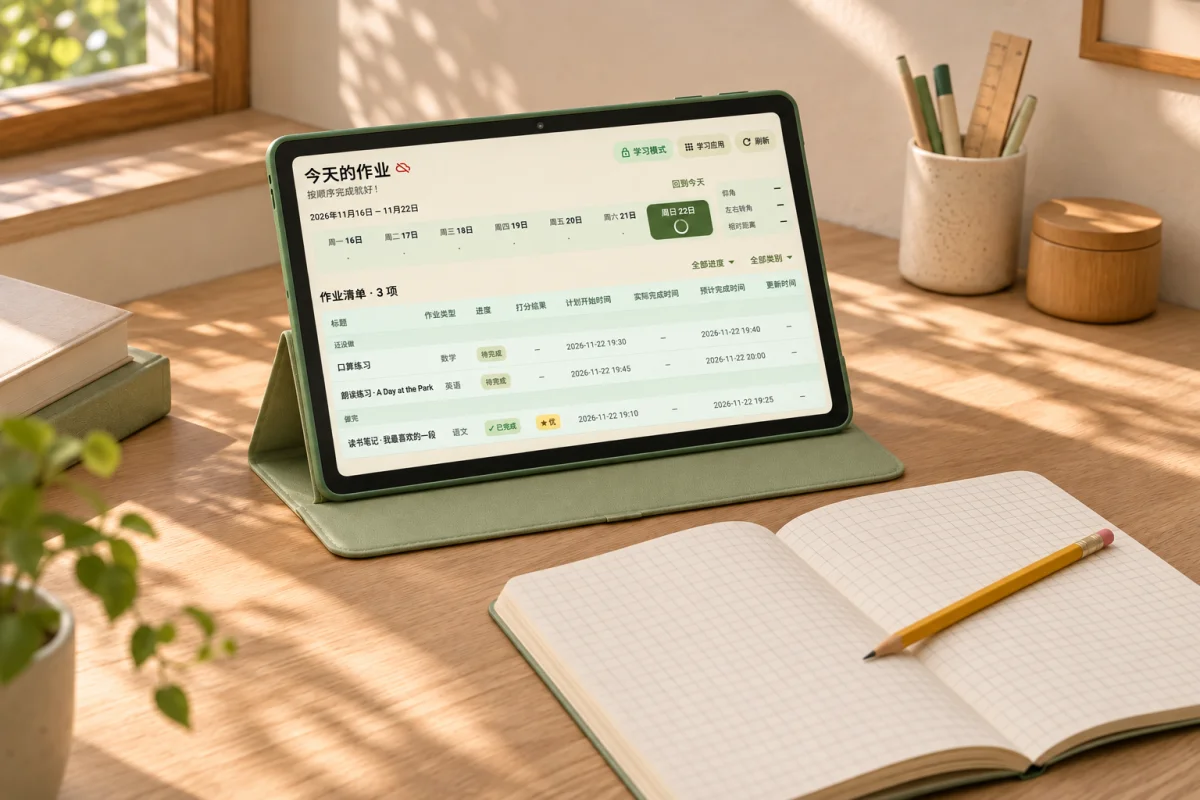
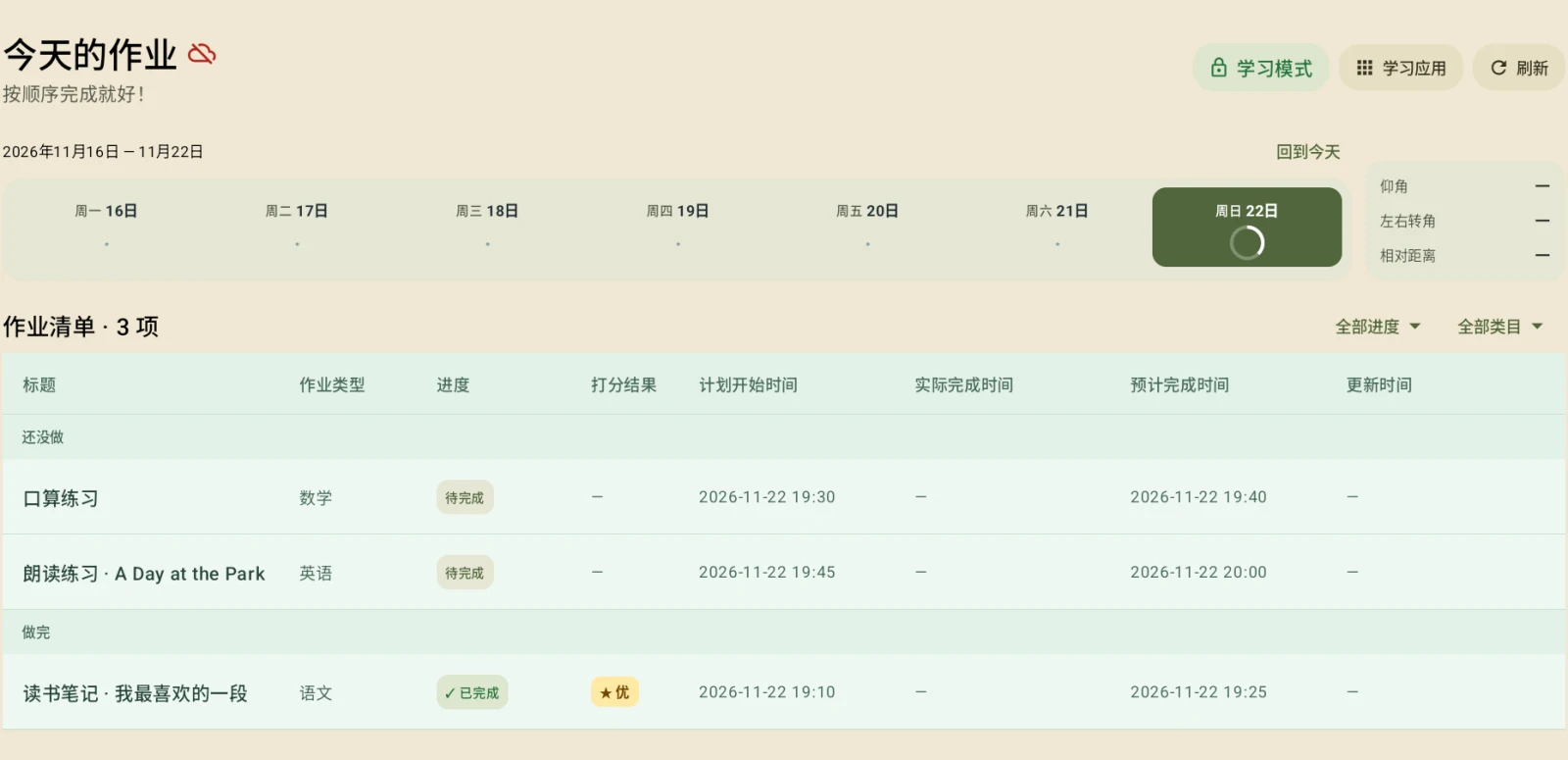
Plan and grade homework with AI. Children complete and submit assignments on a tablet, and parents use the Homework parent portal to browse the weekly homework calendar, review feedback, and manage the tablet.
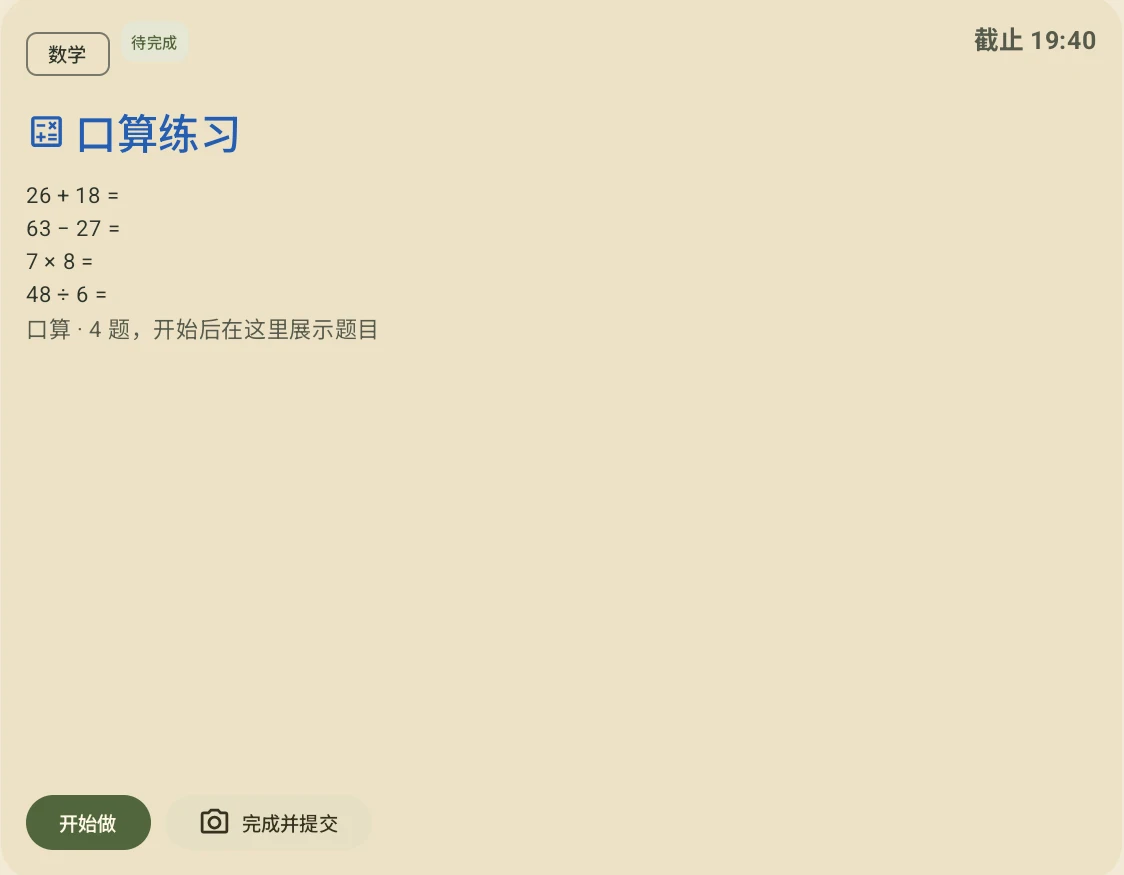
AI planning, tablet submissions, AI grading, and parent review all use the same Trello card. Children see what to correct on their tablet, and parents can read grading records in the parent portal and open Trello from the assignment details to see submitted attachments.
Schedule assignments with AI
Try asking, “Set aside 30 minutes each weekday this week for arithmetic and reading aloud in English.” With the cyeam-cli homework skill, AI suggests dates, task order, and estimated durations. Once you confirm, it creates the Trello cards and the tablet picks them up on its next sync.
AI can read photos of arithmetic and spelling dictation or compare an English read-aloud recording with the original text. It returns a grade, answers to correct, or words to practice. Parents can review the results, and children see the feedback once it is saved to the assignment.
Follow the installation guide at https://github.com/mnhkahn/cyeam-cli to install cyeam-cli and the homework skills in this environment. Verify the download, then run cyeam version to check the installation.
Claude Code Run npx skills add mnhkahn/cyeam-cli -a claude-code from your project directory. Select homework, trello, and any related skills your tasks need.
Codex Run npx skills add mnhkahn/cyeam-cli -a codex from your project directory and select homework and related skills. Open a chat in that project and invoke the skill with $homework.
Doubao Work In the Doubao desktop app, switch to Work mode, start a task, and send the request above. Ask Doubao to confirm the Skills directory available to the task, then copy the complete homework skill folders from the official repository. Start a new Work task to check that the skill loads. Work mode setup guide (Chinese)
The npx examples for Claude Code and Codex require Node.js 22.20 or later. Get the CLI itself from the official release page, verify the archive against checksums.txt, and add the extracted executable’s directory to your PATH.
After linking and saving your Trello board in the Homework tab of the parent portal, run cyeam login with the same Microsoft account, then run cyeam trello status to check the board. You can also connect it separately using the Trello authorization guide.
Open the Android app and find the device gateway connection in Parent Settings.
Sign in with your Microsoft account
Open the Tablet tab in the parent portal, start pairing, and copy the pairing information.
Paste the pairing information on the tablet
Save and connect, then return to the parent portal to see your tablet.
Frequently asked questions
Where do assignments come from?
When a teacher posts homework in the class WeChat group, parents can paste the message into their agent. It organizes the instructions and dates, then adds the assignments to Trello once the parent confirms. Children see the assignments after the tablet syncs the connected board. Parents can also ask the agent to plan a schedule or create tasks directly in Trello.
What can I do in the parent portal?
See homework progress and grading records, pair the tablet, check its connection, and send messages. Each parent account can pair one tablet.
Do the tablet and my phone need the same Wi-Fi network?
They only need internet access. The tablet must be online to report its current status or receive a command.